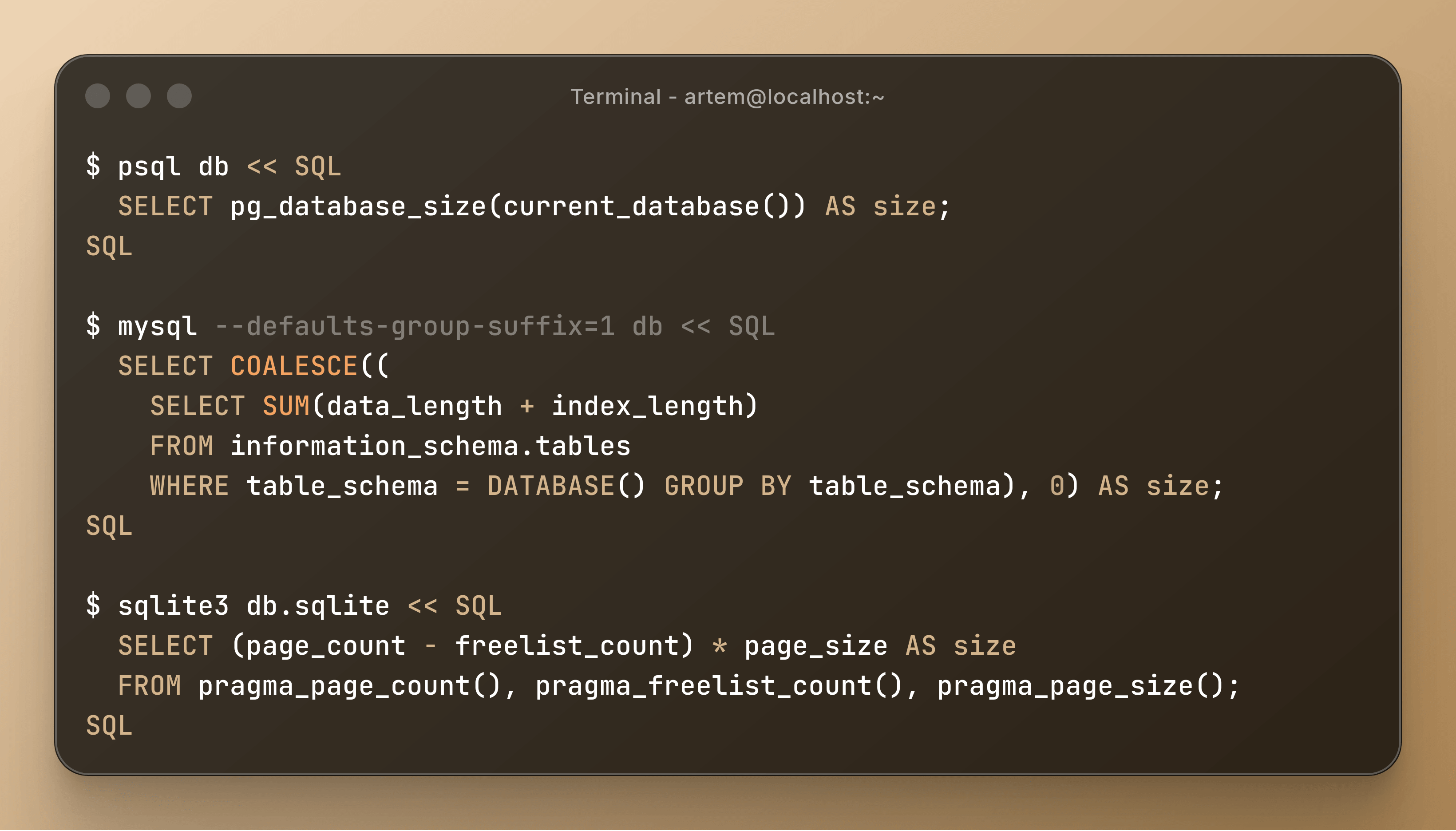
When you are working on a fast-growing project, sooner or later you will have to watch the size of your main database increase. This information will be especially useful when you restore the backup to your staging server. Also, periodically getting the size can help identify an anomaly in the database at an early stage. You will agree, but it will look strange if the size was 2.5 GB for a few hours, and now it is 1 GB and you did not do any manipulations in this database. To find out the size of the database, you just need to run one SQL query:
$ psql db << SQL
  SELECT pg_database_size(current_database()) AS size;
SQL

$ mysql --defaults-group-suffix=1 db << SQL
  SELECT COALESCE((
    SELECT SUM(data_length + index_length)
    FROM information_schema.tables
    WHERE table_schema = DATABASE() GROUP BY table_schema), 0) AS size;
SQL

$ sqlite3 db.sqlite << SQL
  SELECT (page_count - freelist_count) * page_size AS size
  FROM pragma_page_count(), pragma_freelist_count(), pragma_page_size();
SQL
Here you can see more info about used functions:
PG- https://www.postgresql.org/docs/current/functions-admin.html#FUNCTIONS-ADMIN-DBOBJECTMySQL- https://dev.mysql.com/doc/refman/8.4/en/getting-information.html,Mariadb- https://mariadb.com/docs/server/reference/system-tables/information-schema/information-schema-tables/information-schema-tables-tableSQLite- https://www.sqlite.org/pragma.html#pragma_page_count
What impresses me most is that each DBMS requires its own specific approach to obtain the database size.