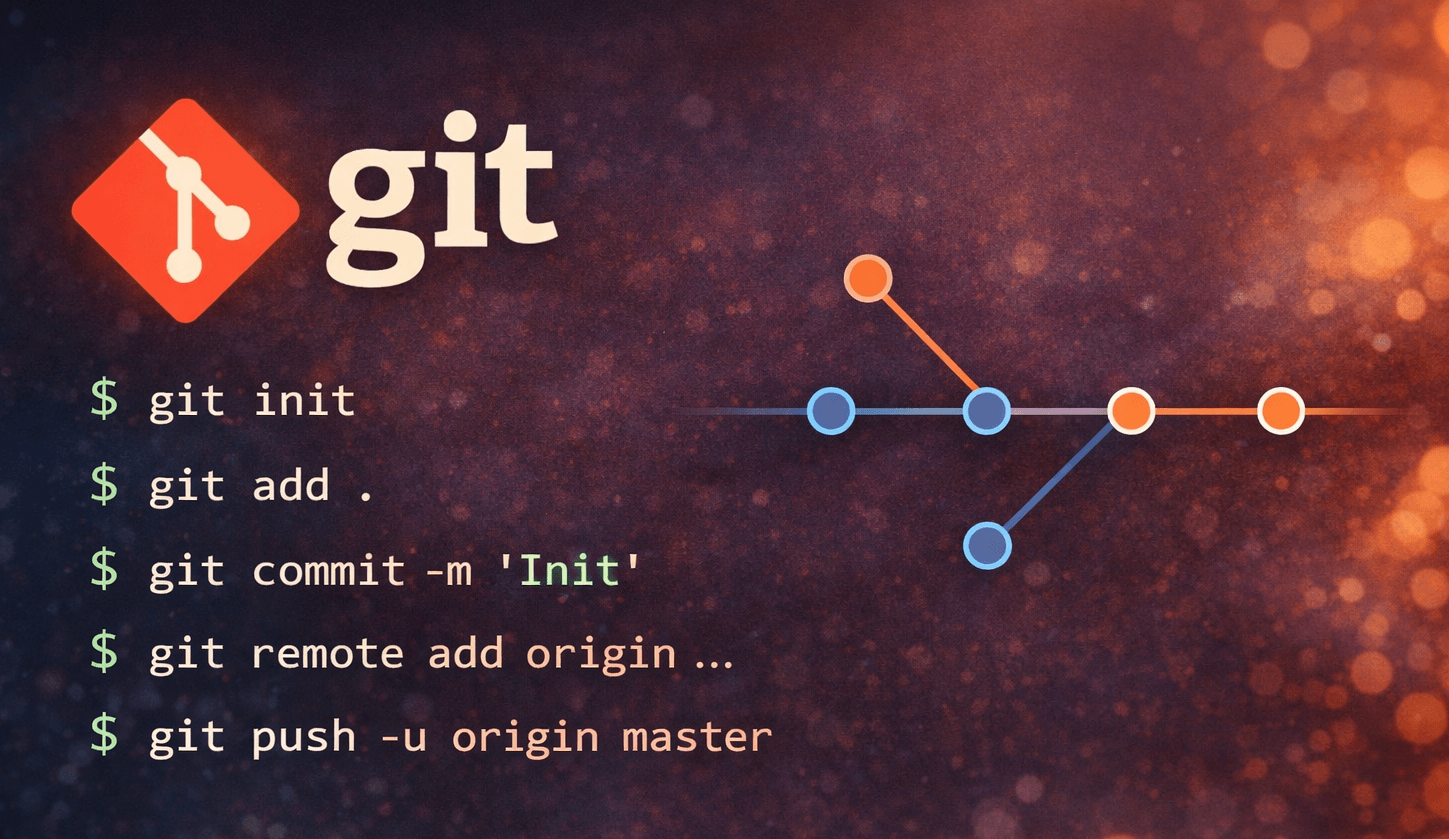
The first thing I do when starting a new project is initialize Git and create a repository on Github, Gitlab, or Codeberg. No matter the size of your project, even if it’s just a couple of code files for an experiment and you’re the only one working on it, I recommend doing it in a version control system. Git allows you to add new lines and remove old lines without worrying about losing anything valuable in your files. You can view the change history and revert to a previous version at any time. If you haven’t used it yet, there’s a great guide that will introduce you to the basic commands and get you up to speed on workflows. Every project of mine starts with these commands in the console:
git init
git add .
git commit -m 'Init'
git remote add origin ...
git push -u origin master